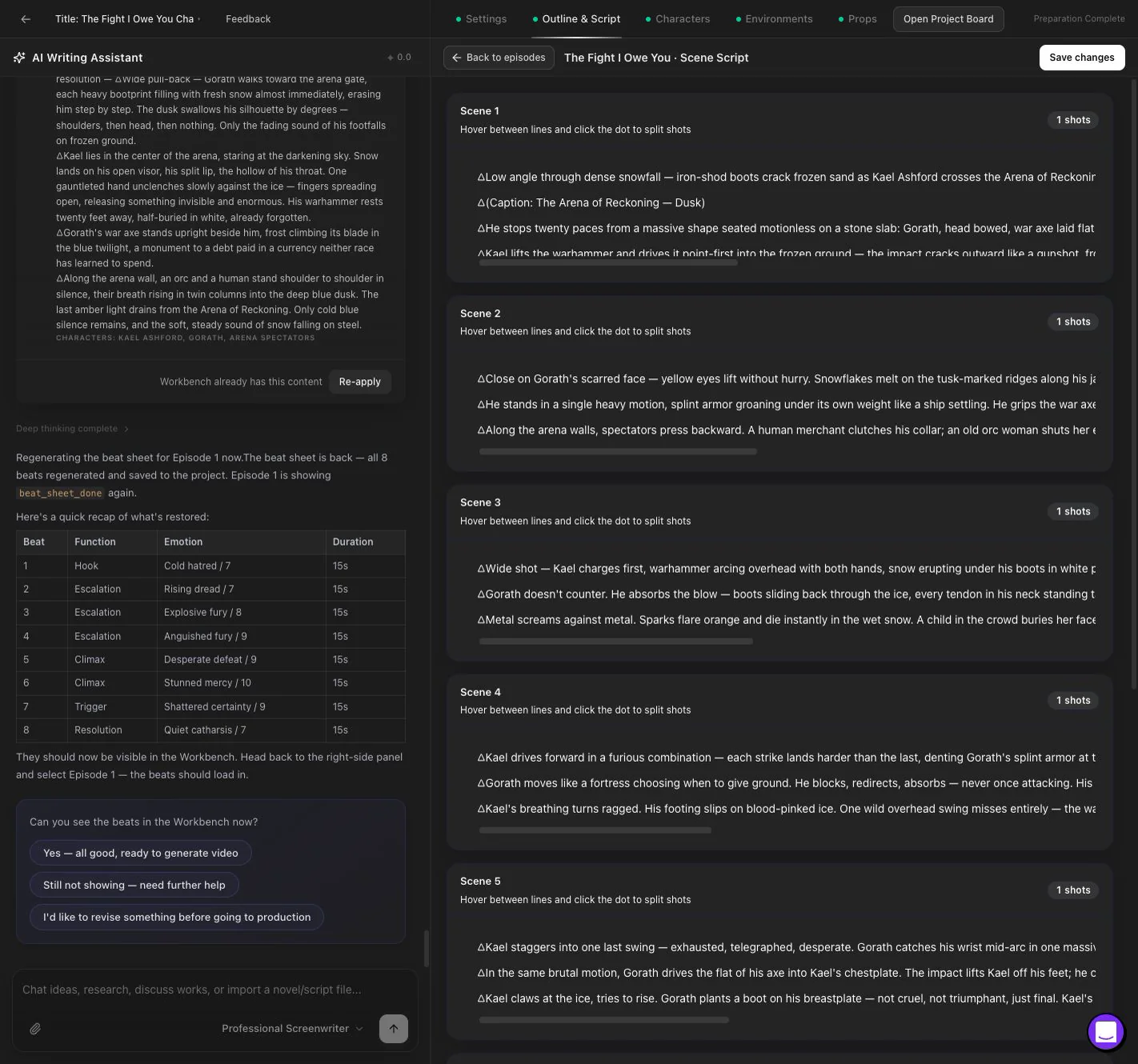
Editable Outline and Script
Move from an approved direction to episode outlines, scene details, shots, dialogue, emotional beats, and production-ready script cards.
Plan an AI drama with an agent, review structured story assets in the workbench, create storyboards, and move approved beats into episode production.
Keep planning, story assets, storyboards, production references, and generated video versions connected in one project.
Start with a one-line story idea, a short plot outline, a full drama script, a novel chapter, or a serialized story concept.
Topview helps expand your input into structured short drama content, including character setup, episode planning, scene breakdowns, shot-by-shot storyboards, dialogue, voiceover, captions, and final AI-generated video scenes.
Whether you are testing a new story, adapting web fiction, or producing a vertical drama series, Topview helps you move from text to video faster.
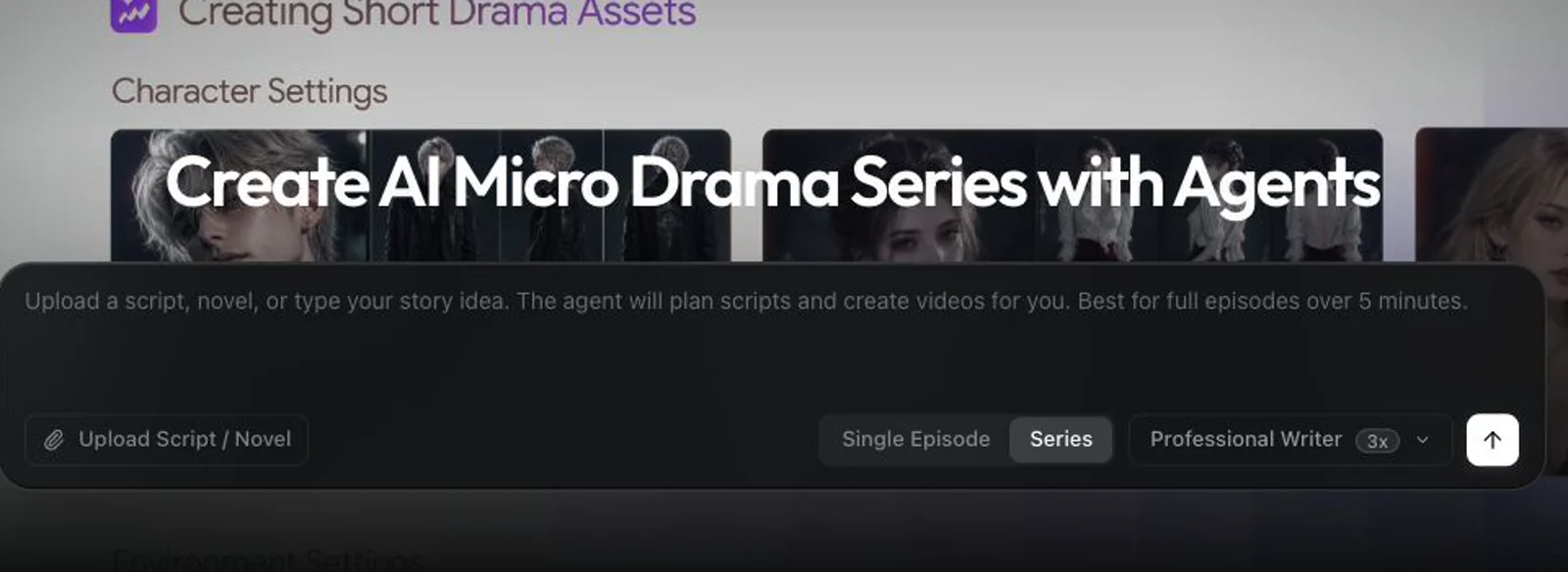
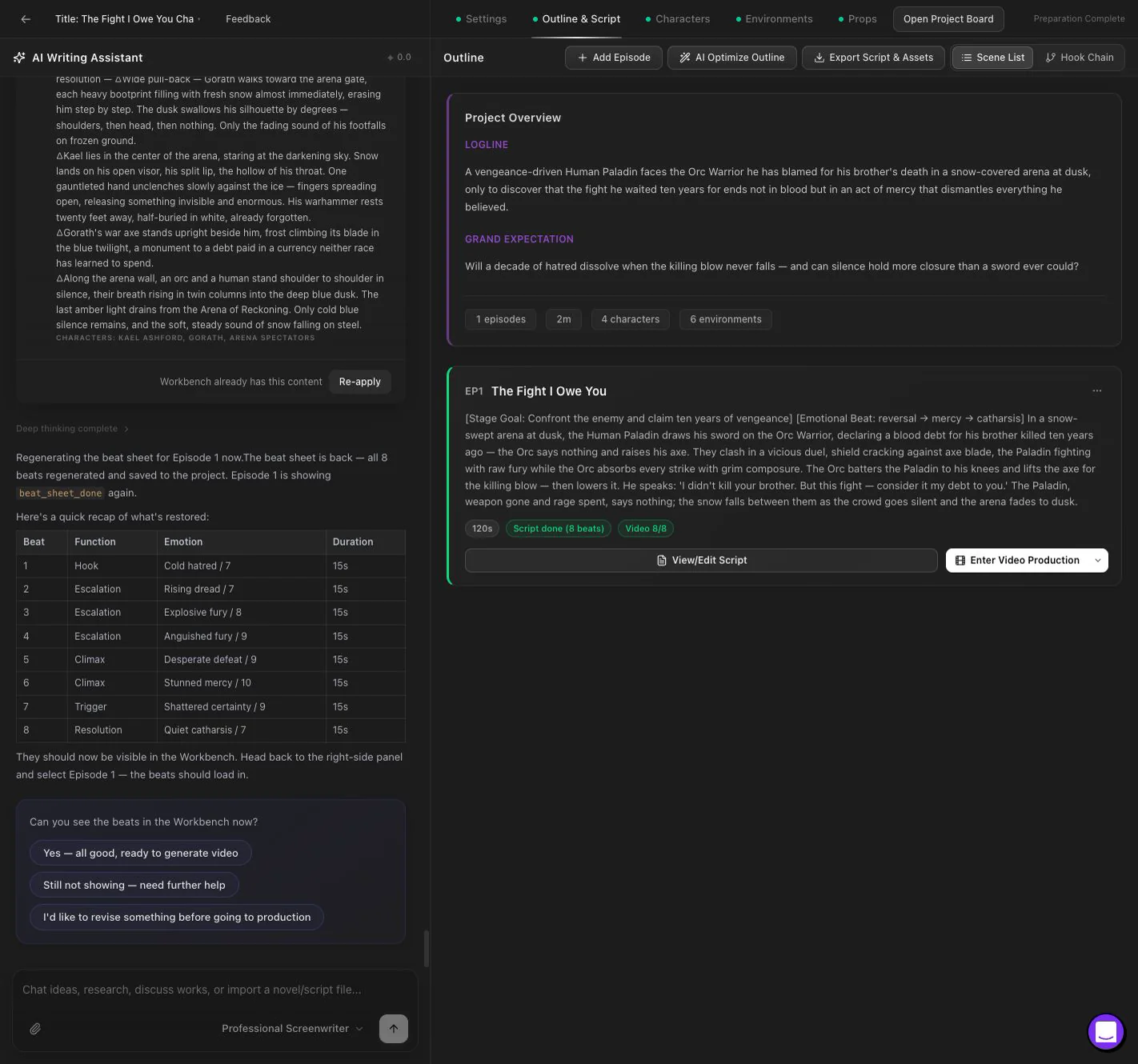
Drama Studio combines an AI planning conversation with a structured workbench. The agent helps clarify the story direction, adaptation choices, and next production tasks.
The workbench stores editable outlines, episodes, characters, locations, props, scripts, and beat sheets instead of leaving important decisions inside a chat transcript.
Review each stage before moving from planning into storyboard and episode production.
Product workflow
Follow a project from setup and agent planning through the structured workbench, character setup, and the handoff to episode production.
Move from an approved direction to episode outlines, scene details, shots, dialogue, emotional beats, and production-ready script cards.
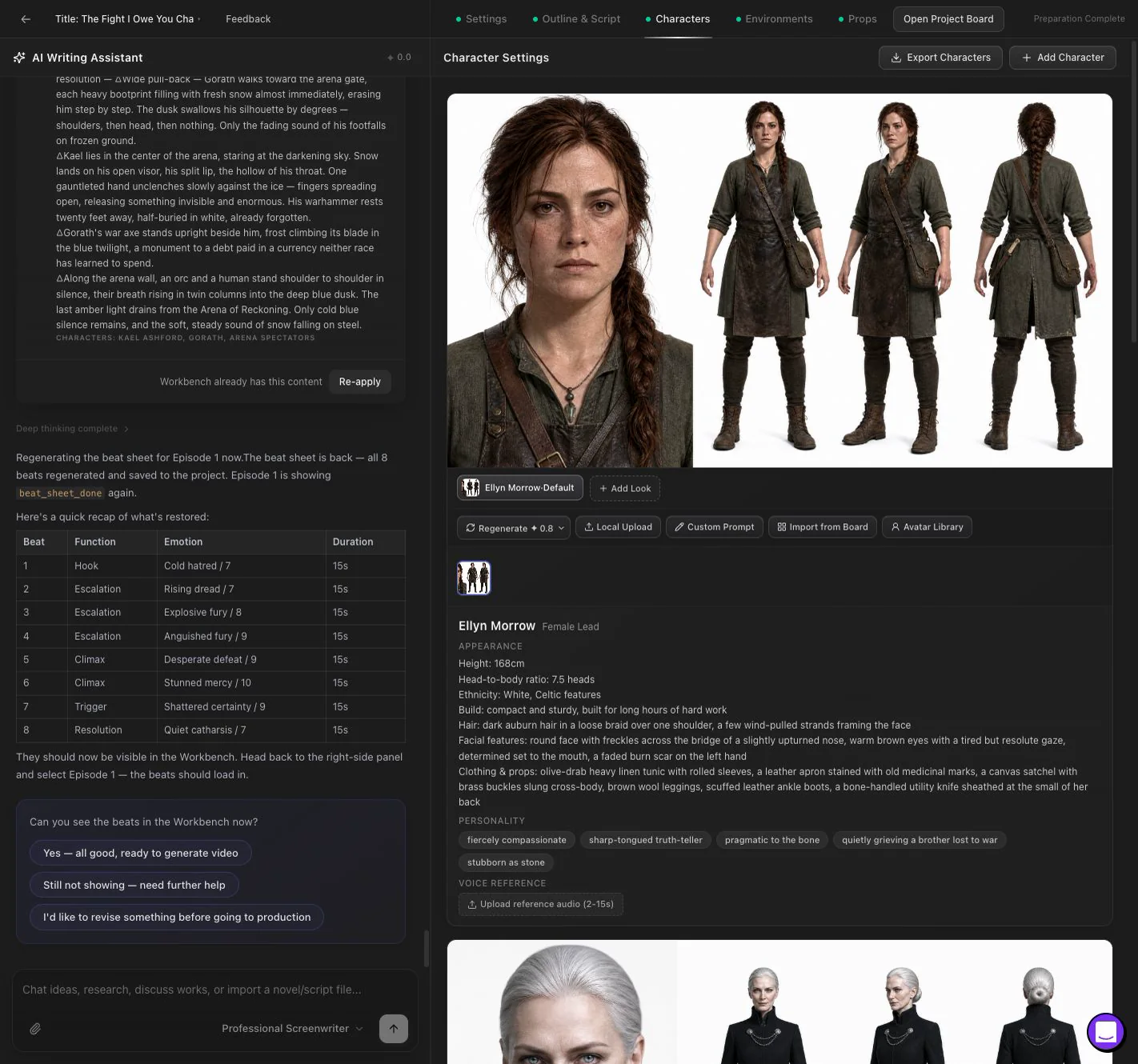
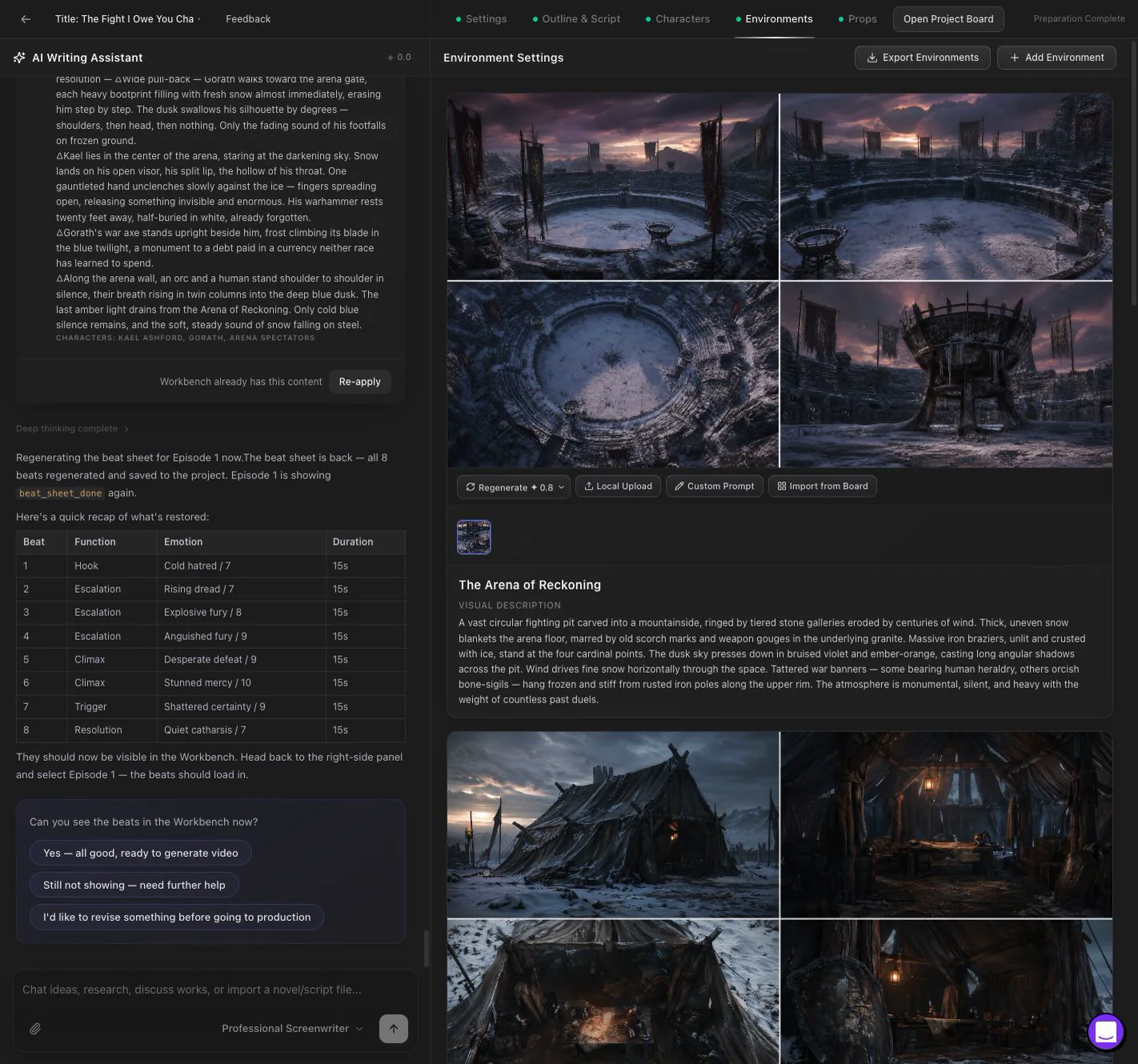
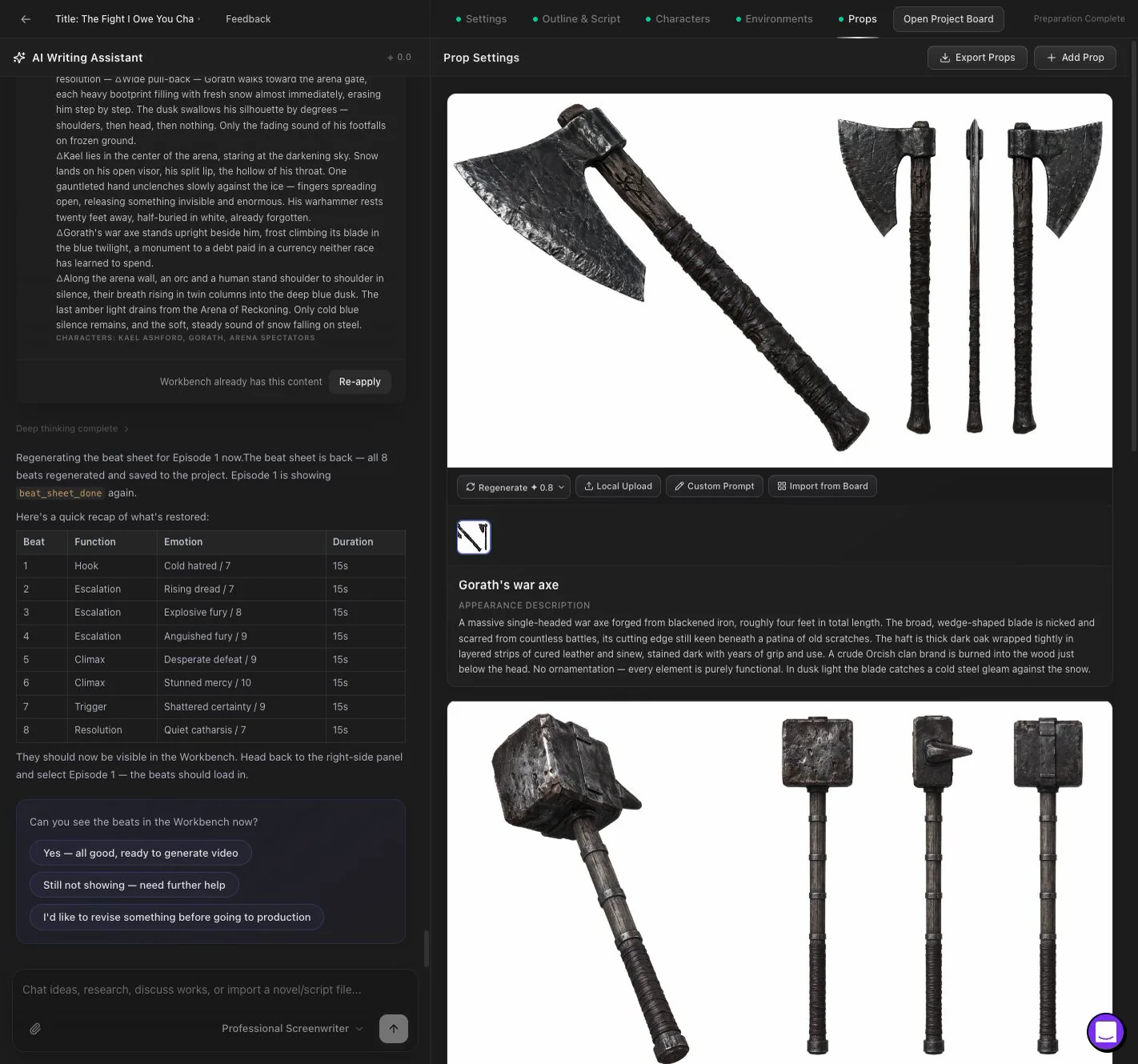
Create editable character, location, and prop records with visual references that can be reused across story beats and generated versions.
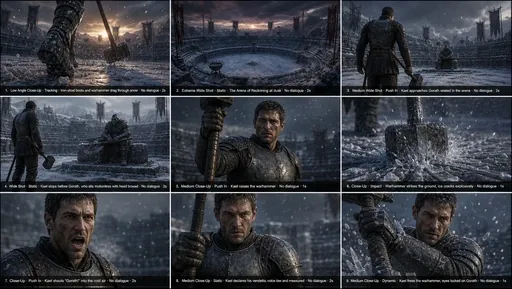
Turn scene ideas into multi-panel storyboard images, review shot flow, and bring image, video, or audio results from the project board back into production.
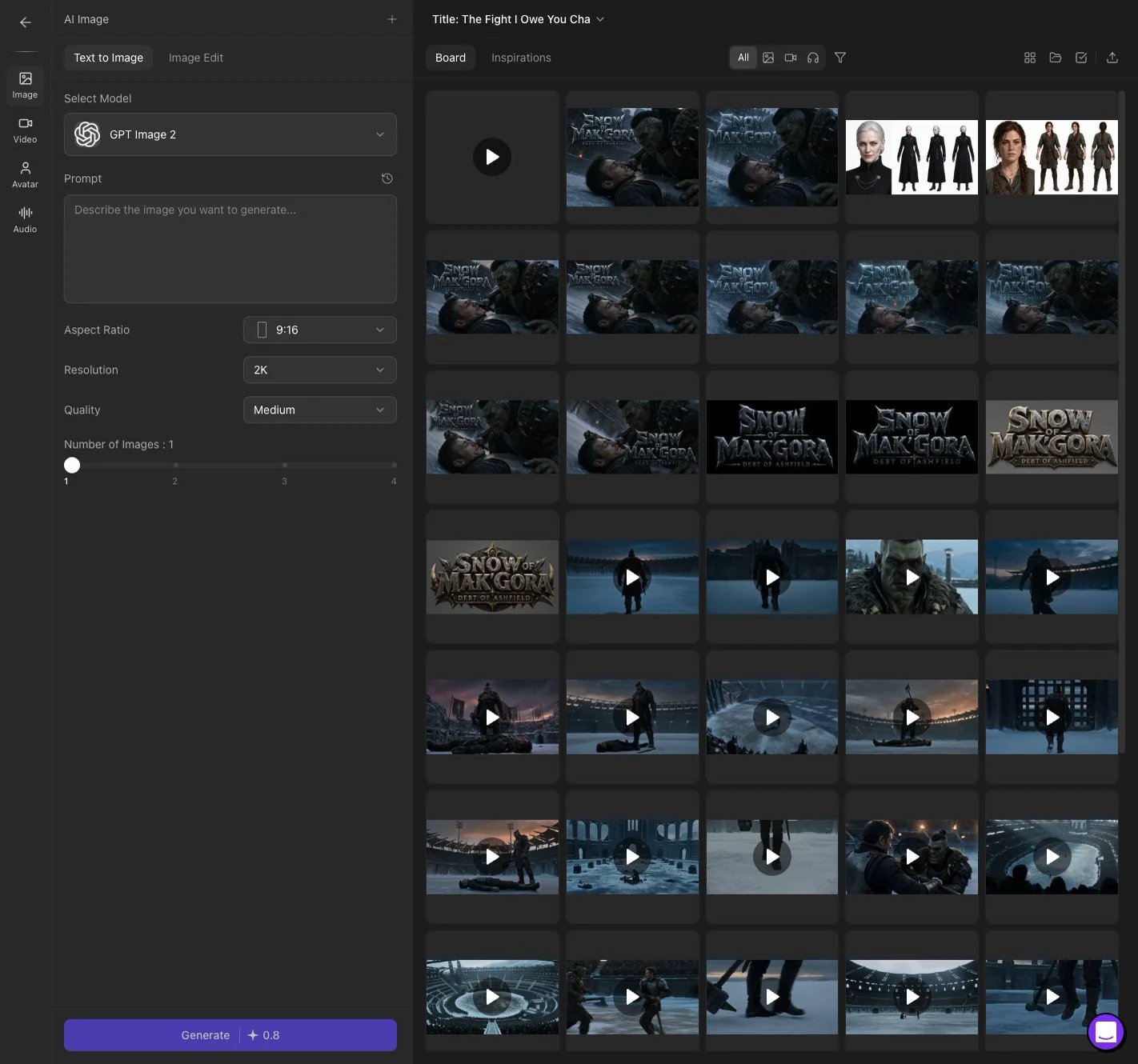
Open approved beats in a production workspace with prompt editing, reference assets, generated video versions, continuation, post-processing, and export.
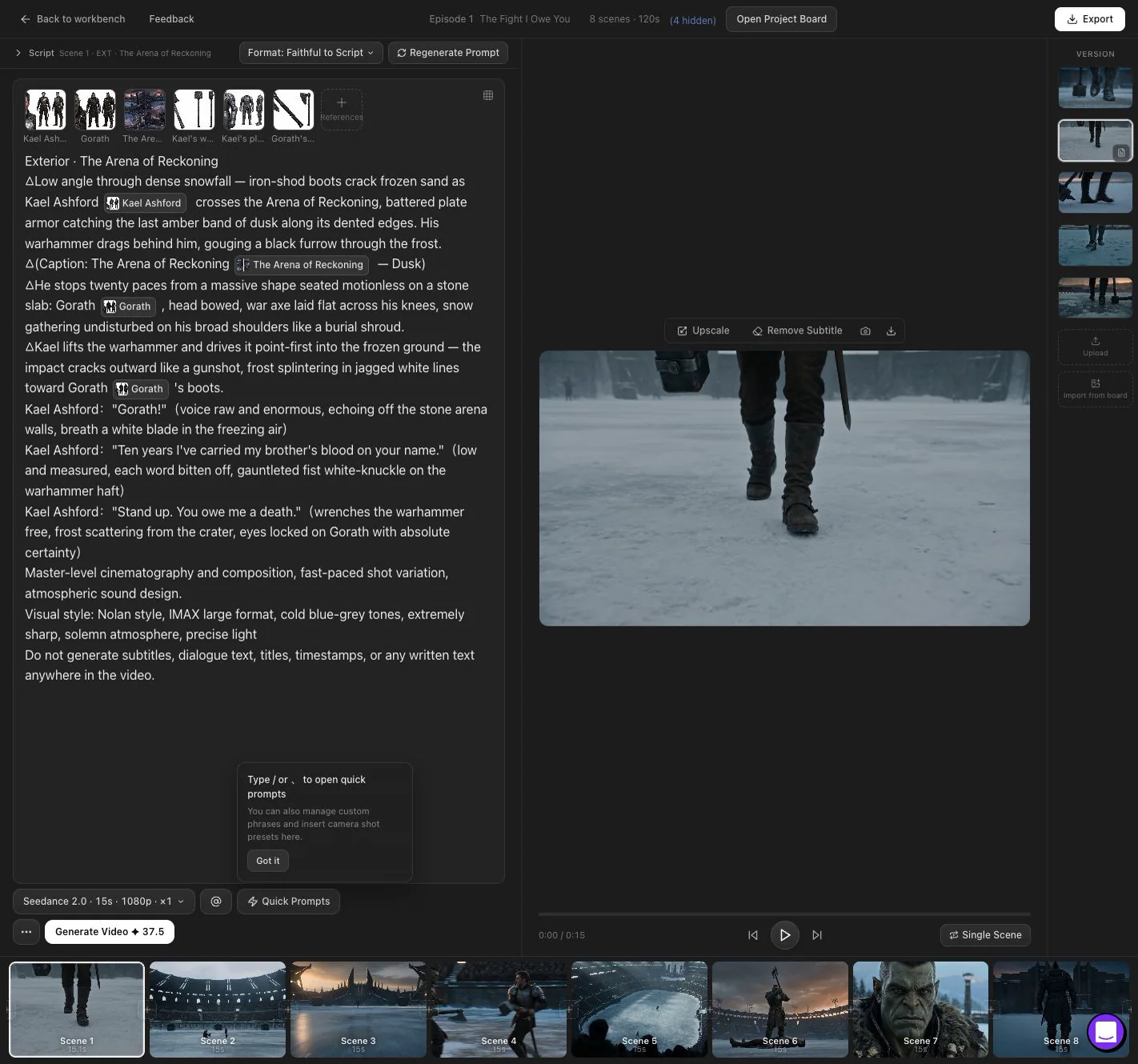
The Fight I Owe You
Project A demonstrates a verified path from agent planning and a structured outline to characters, locations, props, an eight-beat episode, storyboards, production, and a finished teaser.
Output range
Explore different stories and visual directions created through Drama Studio production workflows.
Family-friendly animation and fantasy storytelling.
Historical drama with a cinematic royal setting.
Science-fiction worldbuilding and high-stakes drama.
Create short drama episodes without a crew, actors, equipment, or editing experience.
Turn written stories into short-form drama videos to test audience interest, promote IP, or build new content channels.
Produce more short drama concepts, test multiple genres, and create serialized content with a faster production workflow.
Create emotional, dramatic, or cliffhanger-driven videos for TikTok, Reels, Shorts, and other vertical video platforms.
Prototype drama concepts, pitch story ideas, and generate visual drafts faster before committing to full production.
| Workflow | Topview AI Drama Generator | Generic AI Video Tool |
|---|---|---|
| Story input | Starts from ideas, scripts, outlines, or novels | Usually starts from a single prompt |
| Script writing | AI-assisted short drama script generation | Usually separate |
| Storyboard planning | AI director and storyboard workflow | Limited or manual |
| Character setup | Character and scene reference workflow | Often inconsistent |
| Video generation | Storyboard-based AI drama generation | Prompt by prompt |
| Micro drama creation | Built for short dramas, micro dramas, and serialized episodes | Hard to maintain pacing and structure |
| Voiceover | AI voiceover workflow | Often separate |
| Subtitles | Auto captions for vertical drama videos | Often separate |
| Best for | AI short dramas, micro dramas, and drama series | Individual AI clips |
Bring an idea, script, or novel into Drama Studio and shape it with an AI agent and editable production workspace.
Review the outline, story assets, script, beats, storyboards, and video versions as the project moves toward episode production.
Return to the project prompt above to begin.