
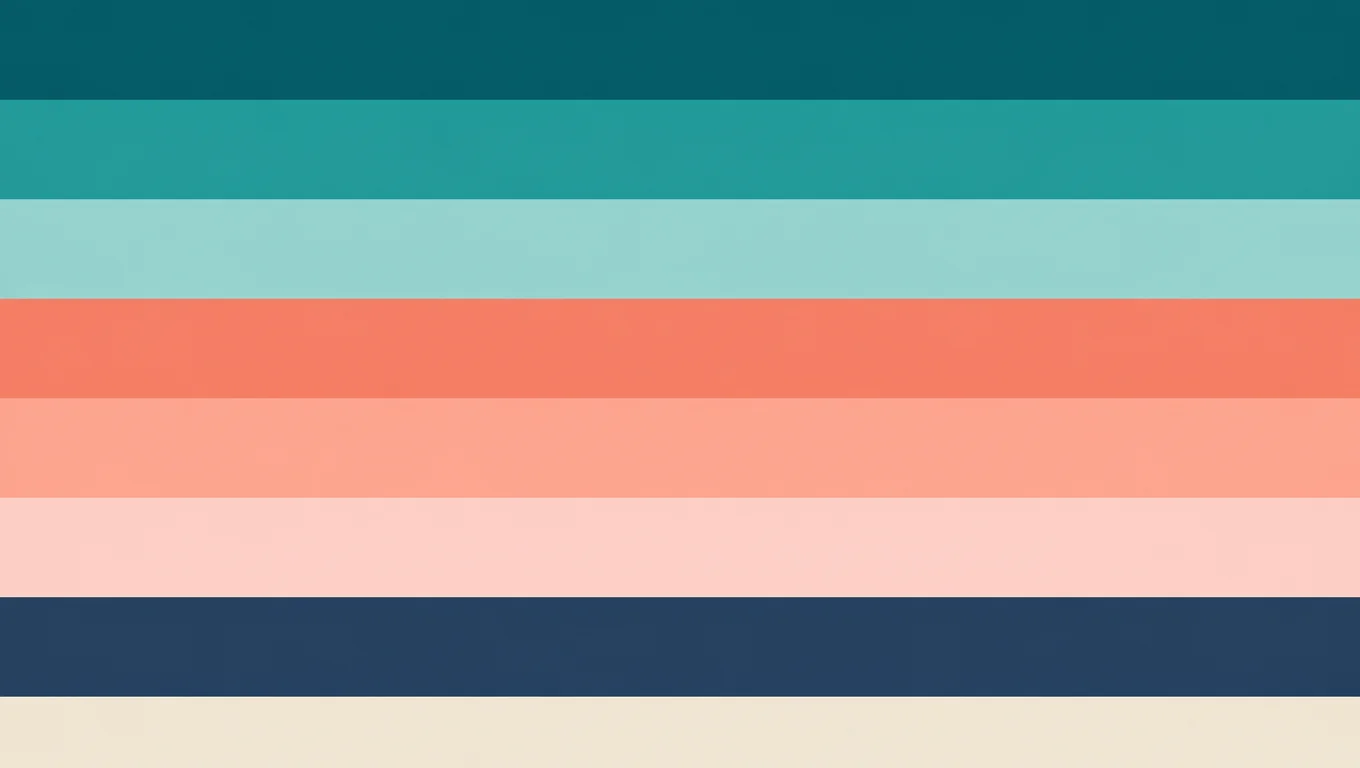
Campaign hero to brand board
Pull the dominant look from a hero still so decks and variants stay in one color family.
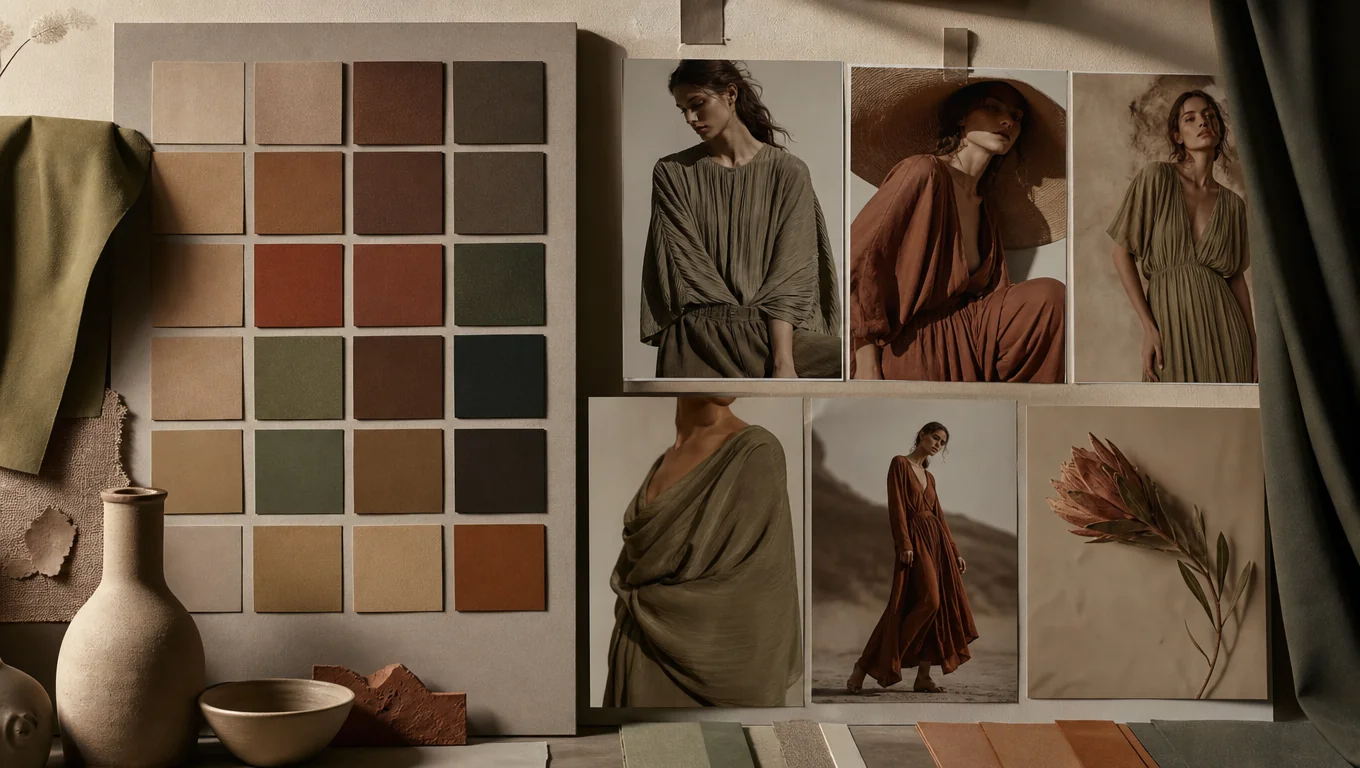
Upload a photo or frame, extract an 8-color board the same way as Canvas ImageNode → More → Extract Palette, then jump into Topview with your image ready.
Extract Palette
Run the same Extract Palette action as Canvas. Preview swatches here, then open Canvas to land the palette board next to your image.
Source image
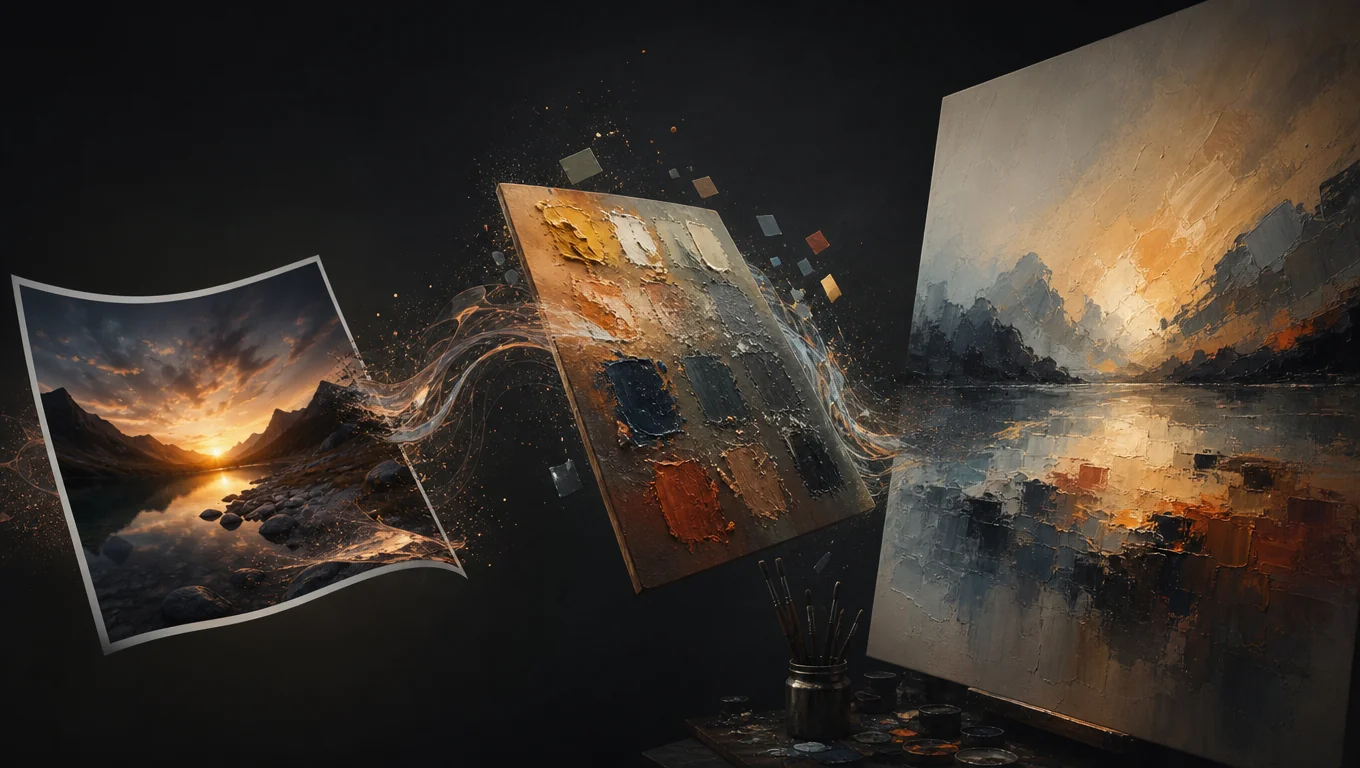
BEFORE VS AFTER
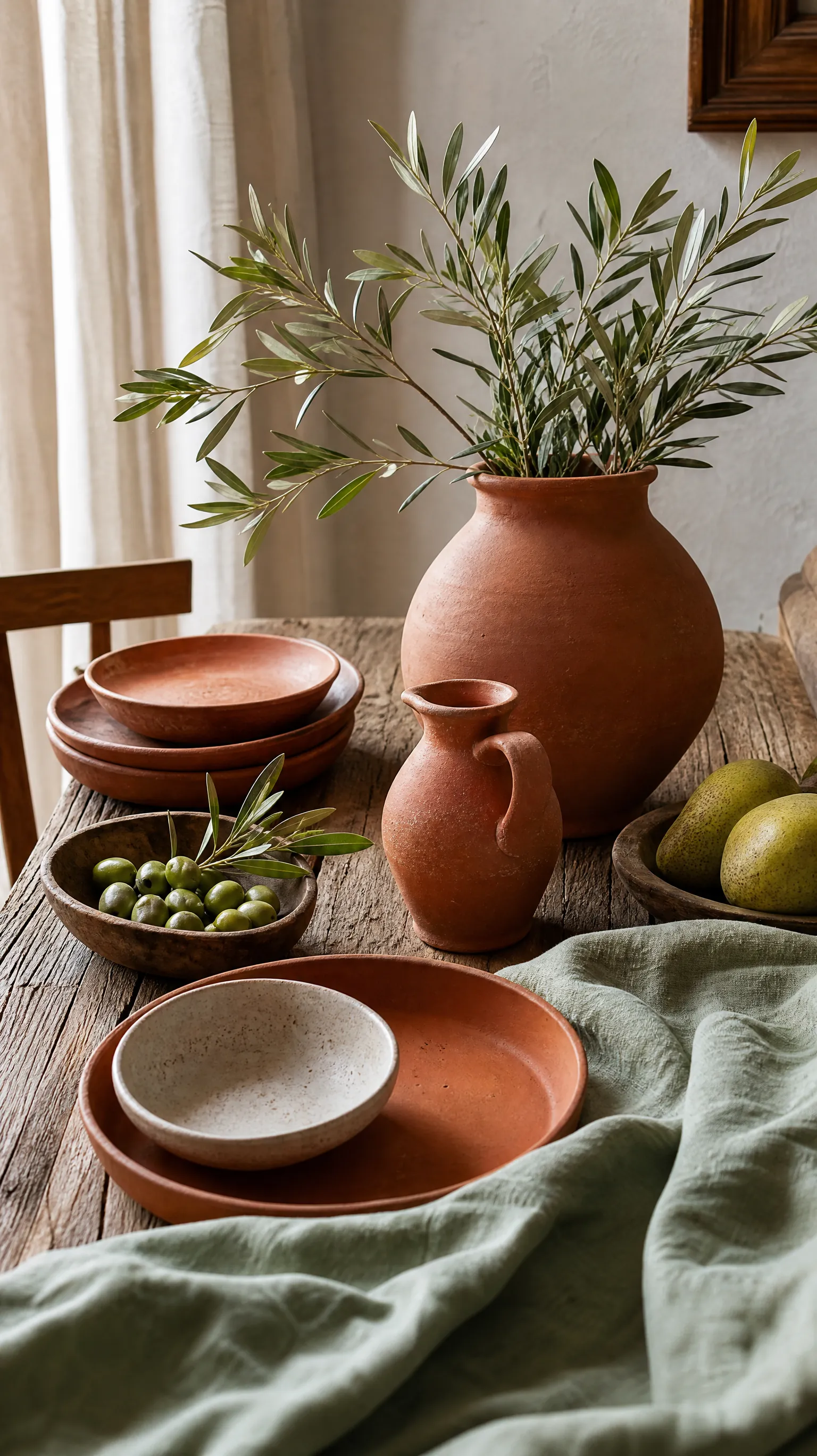
See how Extract Palette turns campaign stills, product shots, and AI frames into clear 8-color boards you can keep on the canvas.
Pull the dominant look from a hero still so decks and variants stay in one color family.

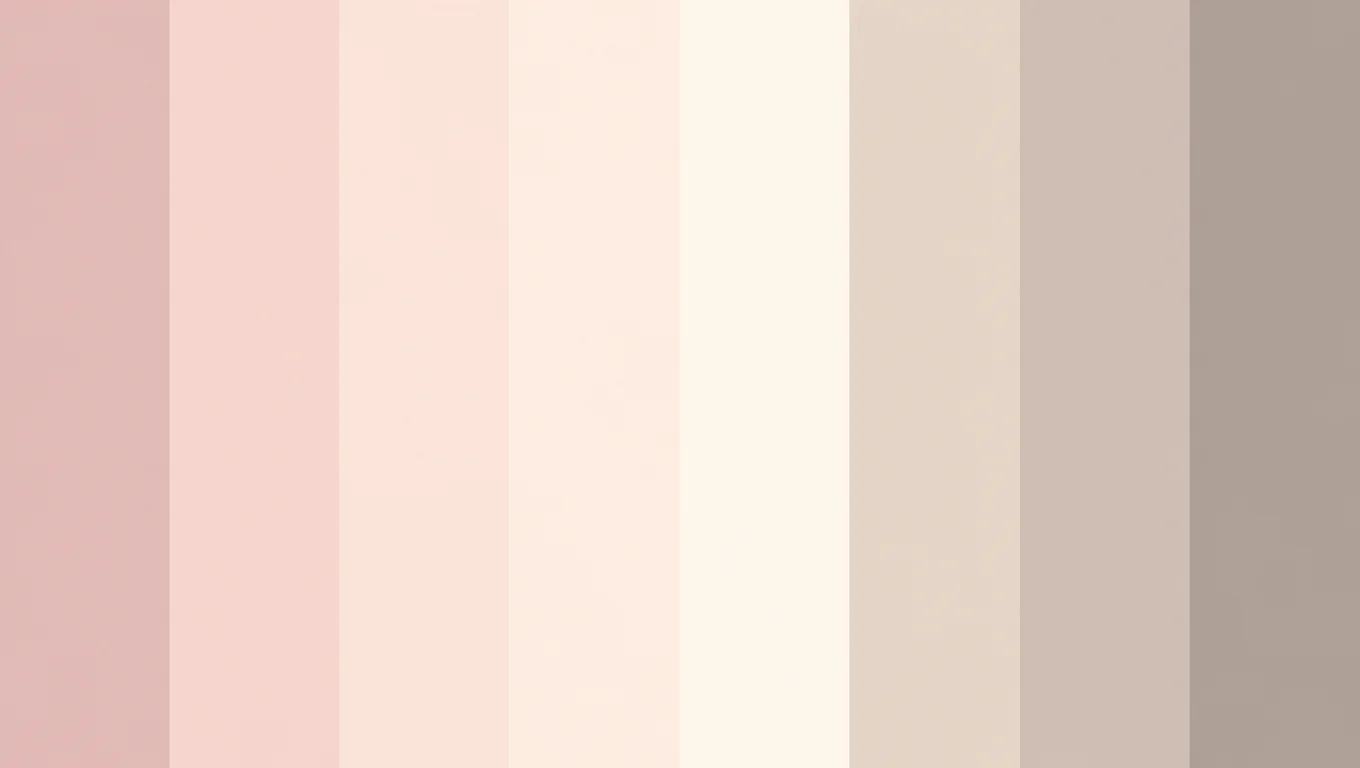
Sample product photography into a compact palette for packaging and PDP creatives.
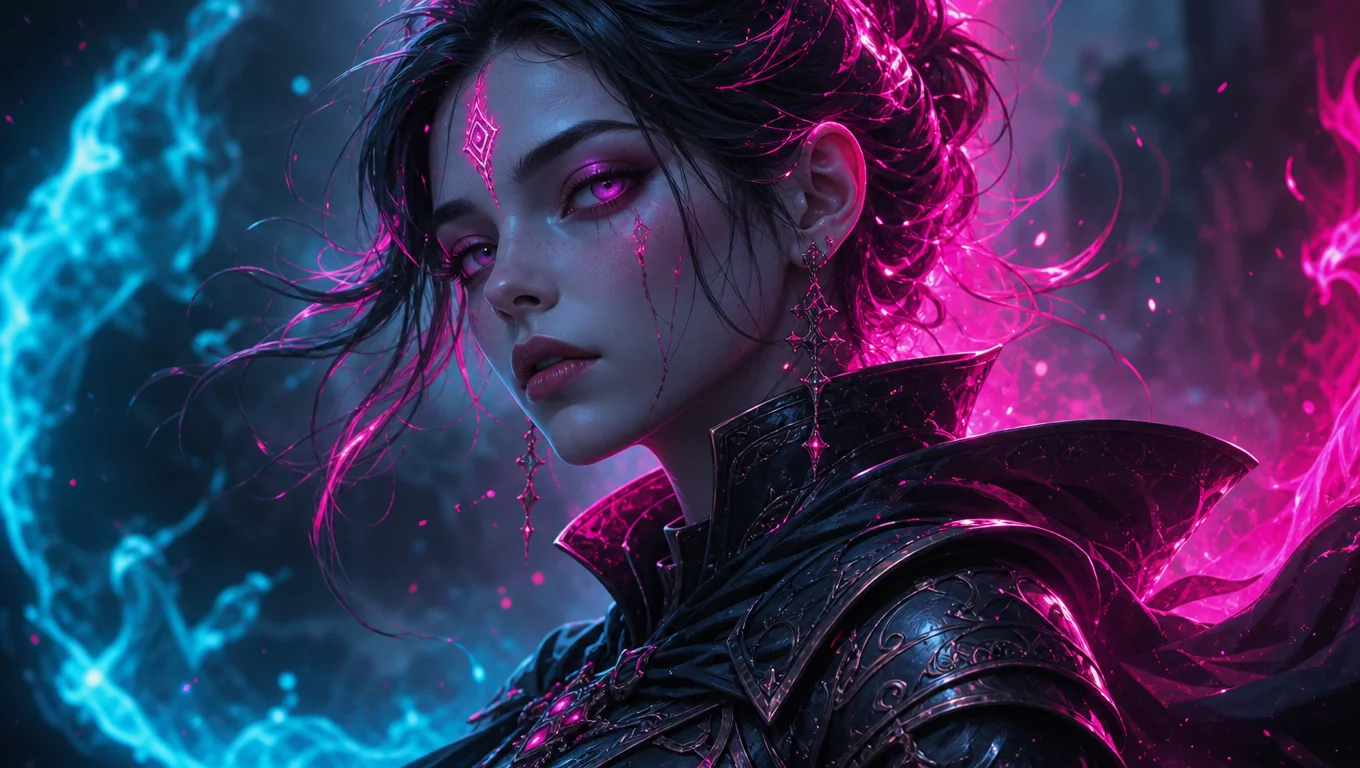
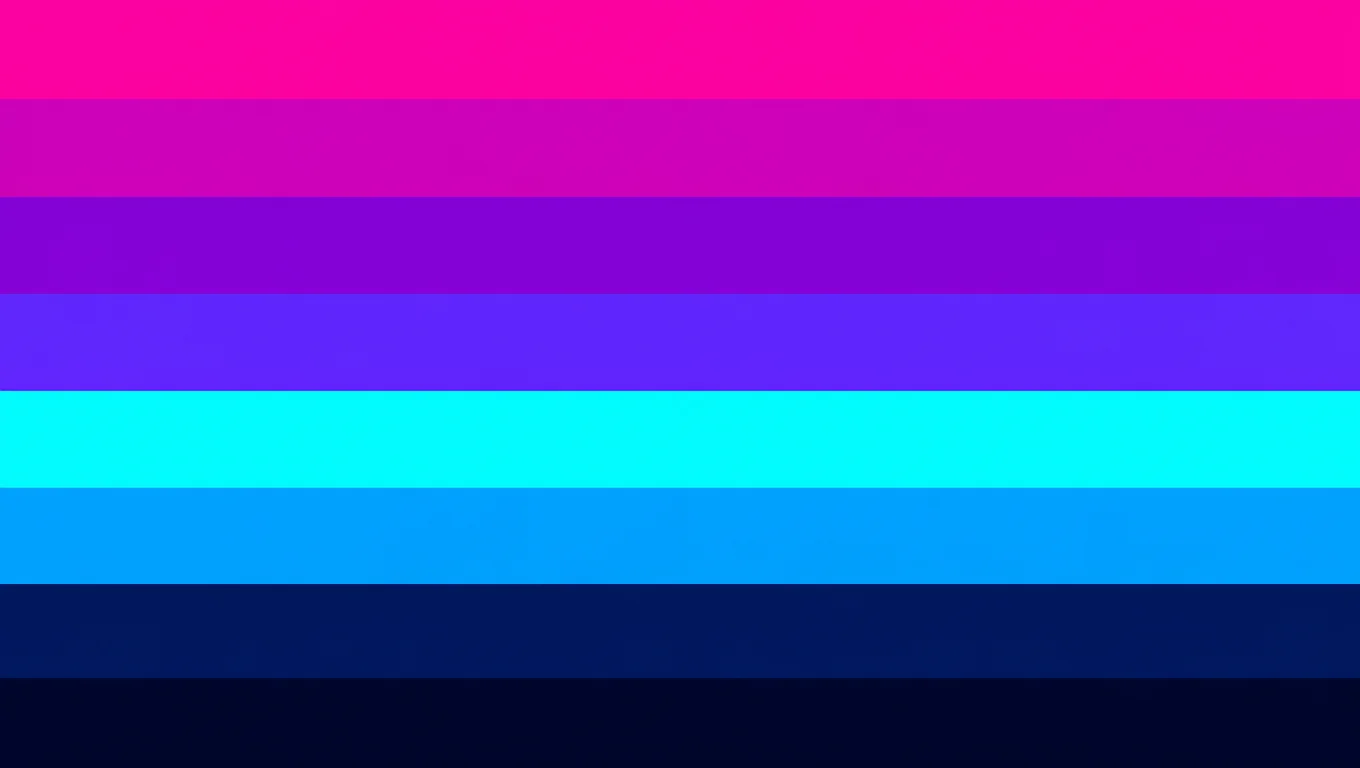
Keep a palette board beside generations so new images follow the same color mood.

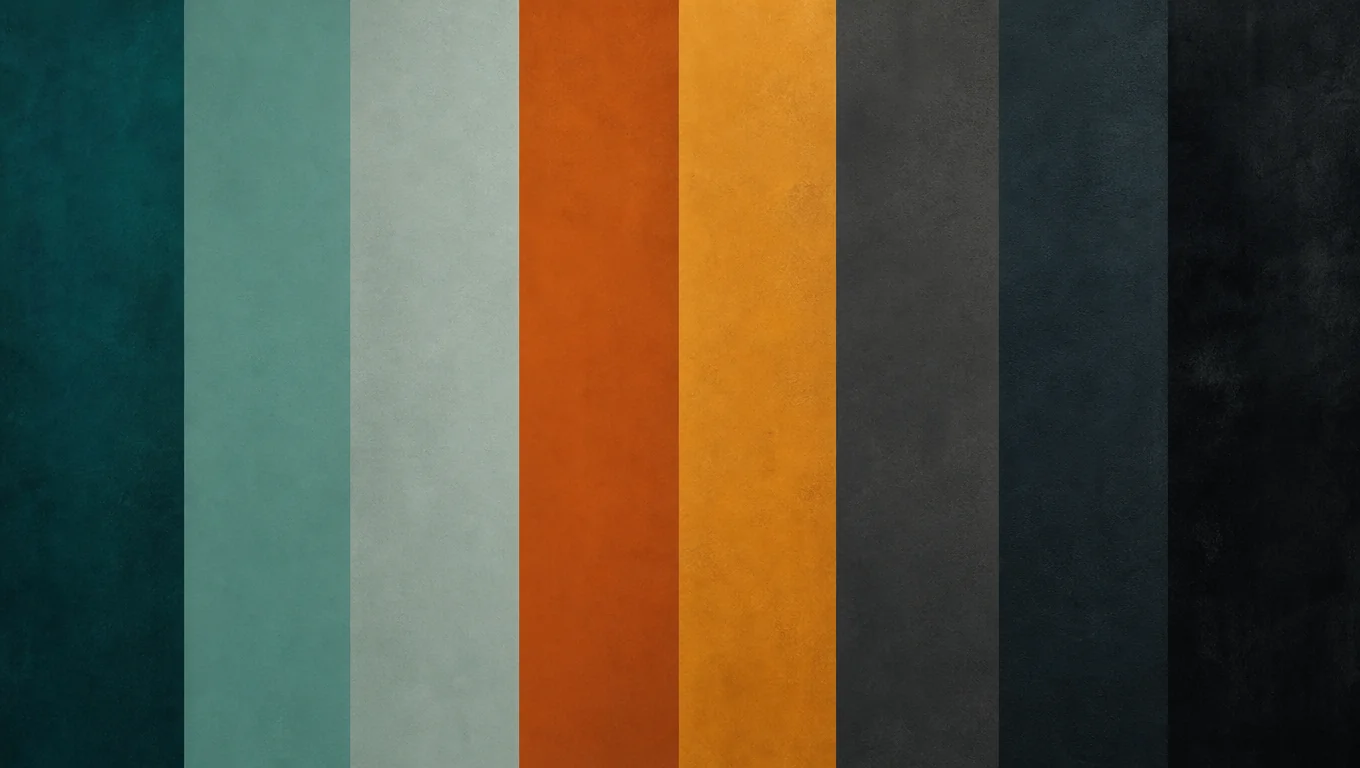
Extract colors from a key frame for storyboards, lookbooks, and previs reviews.
Extract Palette is a Canvas image tool that samples a selected image and creates a default 8-color palette board as a new image node. Unlike HEX-only pickers, the result stays on the canvas for brand checks, mood boards, and AI style reference.
WHY TOPVIEW
Extract once, keep the board on canvas, and reuse the same color direction across ads, characters, and AI generations.
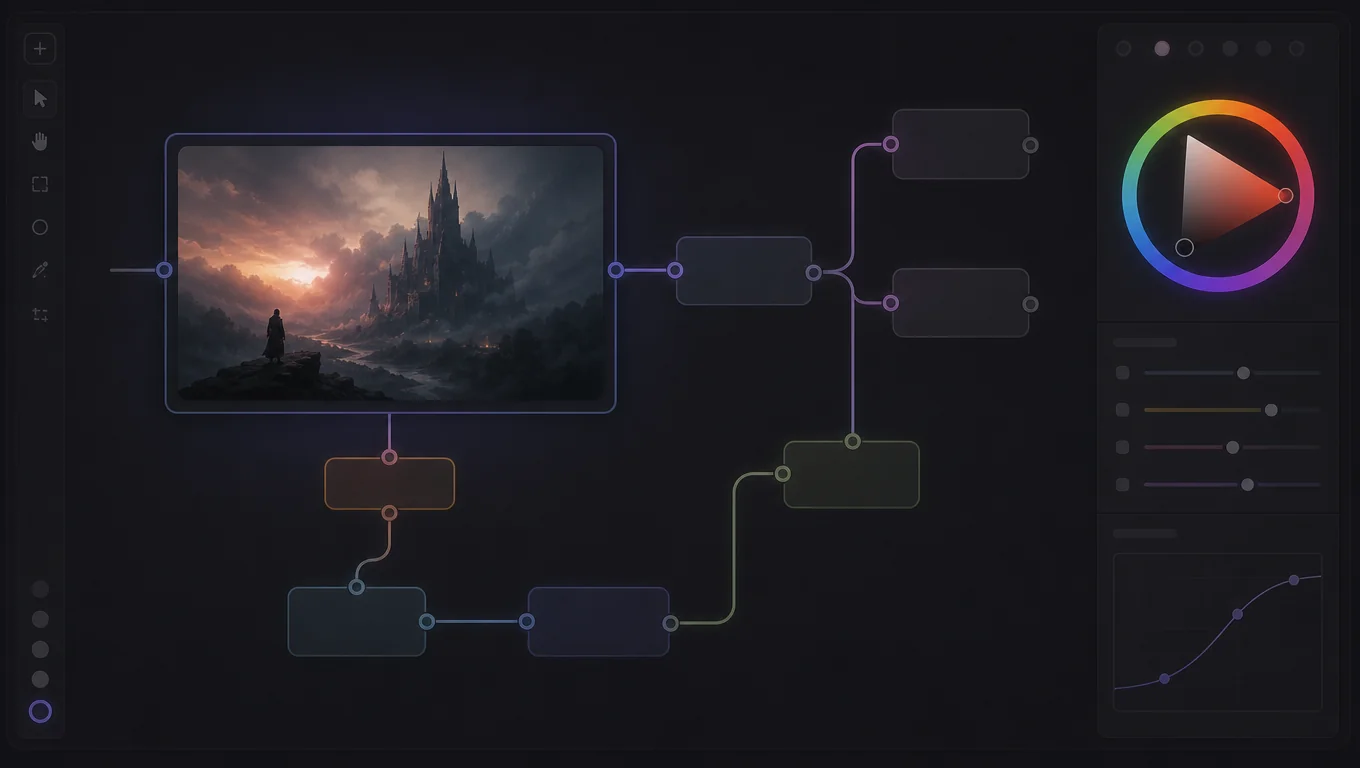
Canvas-native action
Landing Hero mirrors the Canvas More → Extract Palette path, then opens Canvas with your image and the tool ready to run.
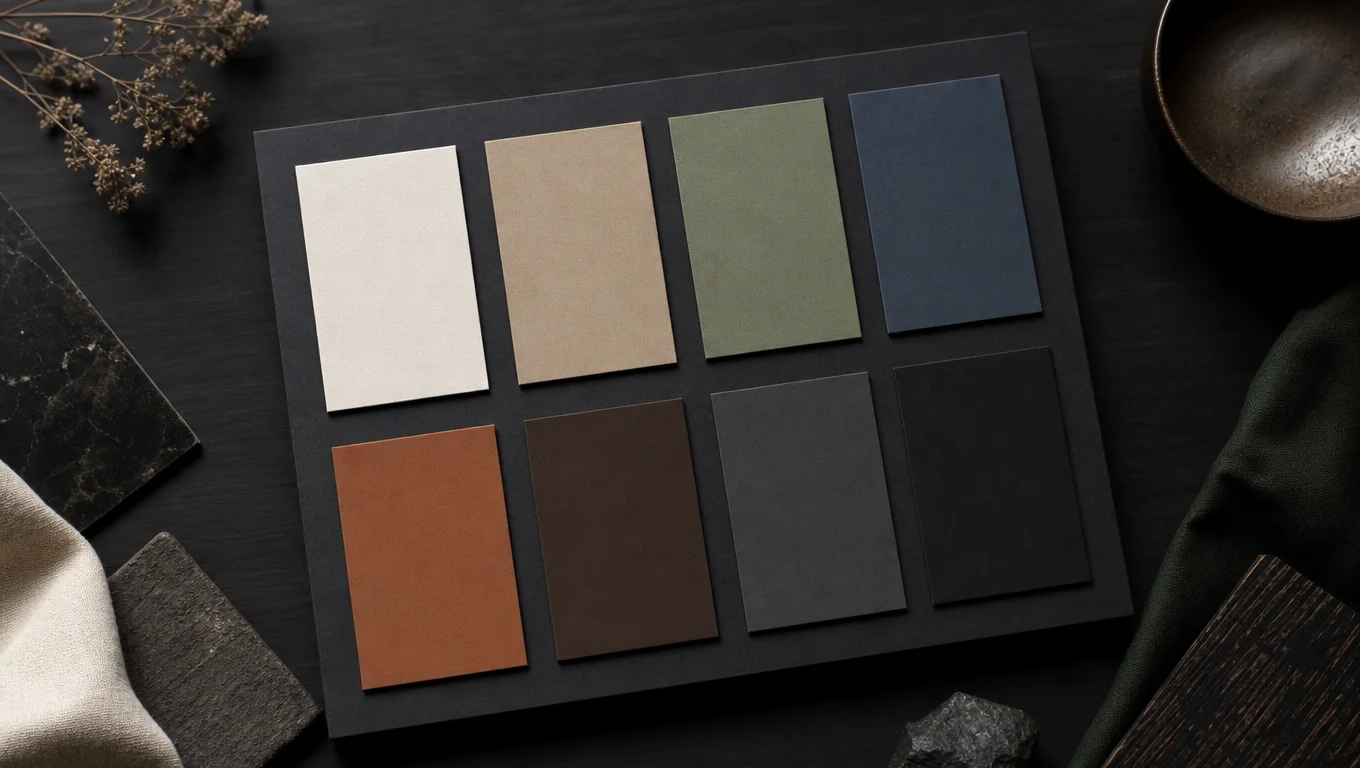
Default 8-color board
Get a readable 8-color strip board that captures the dominant look for reviews and style alignment.
Stay in the workflow
Keep the palette on the same canvas as your product shots, storyboards, and AI outputs—no tab hopping to a separate HEX tool.
Jump with context
CTA carries your uploaded or demo image into Canvas and auto-opens Extract Palette so you continue from the same intent.
WHO IT IS FOR
Use Extract Palette when a real frame should set the color direction for everything that follows.
Lock campaign colors from a hero asset before multiplying variants.
Turn stills into reviewable boards for decks, packaging, and look development.
Keep a palette reference next to generations for consistent mood.
Sample key frames into boards that travel with the canvas project.
HOW IT WORKS
Preview on this page, then finish in Canvas where the palette board lands as an image node.
Upload a photo or use the demo still in the Hero, the same way you would select an image node in Canvas.
Run Extract palette to preview the strip and HEX values, matching the Canvas Extract Palette action.
Jump into Canvas with your image and Extract Palette ready—the palette board lands next to your source for reuse.
After you lock the palette, continue with image, video, and avatar tools on the same platform.