

Seedance 2.5 AI Video Generatorfor 30-Second Videos
Create coherent videos up to 30 seconds from text, image, video, and audio references. Control timing, storyboards, multilingual dialogue, and reliable subtitles for production-ready work.

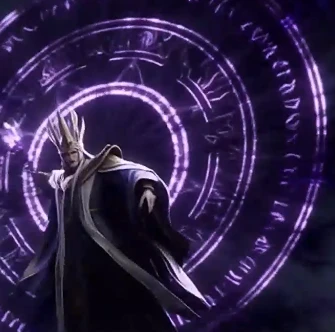
Dark fantasy cinematic CG scene in a ruined temple beneath storm clouds. The silver-haired female warrior in @Image1 wears torn white battlewear and is bound by glowing purple magic chains. @Image2 A distant throne mage casts spells before a giant violet rune circle as broken stones float in the air. The camera cuts from a villain close-up to the warrior falling, struggling, lifting her head, awakening, and defeating the enemy with magic. Oppressive mood, epic scale, dramatic lighting. Use music.mp3 as the music reference.
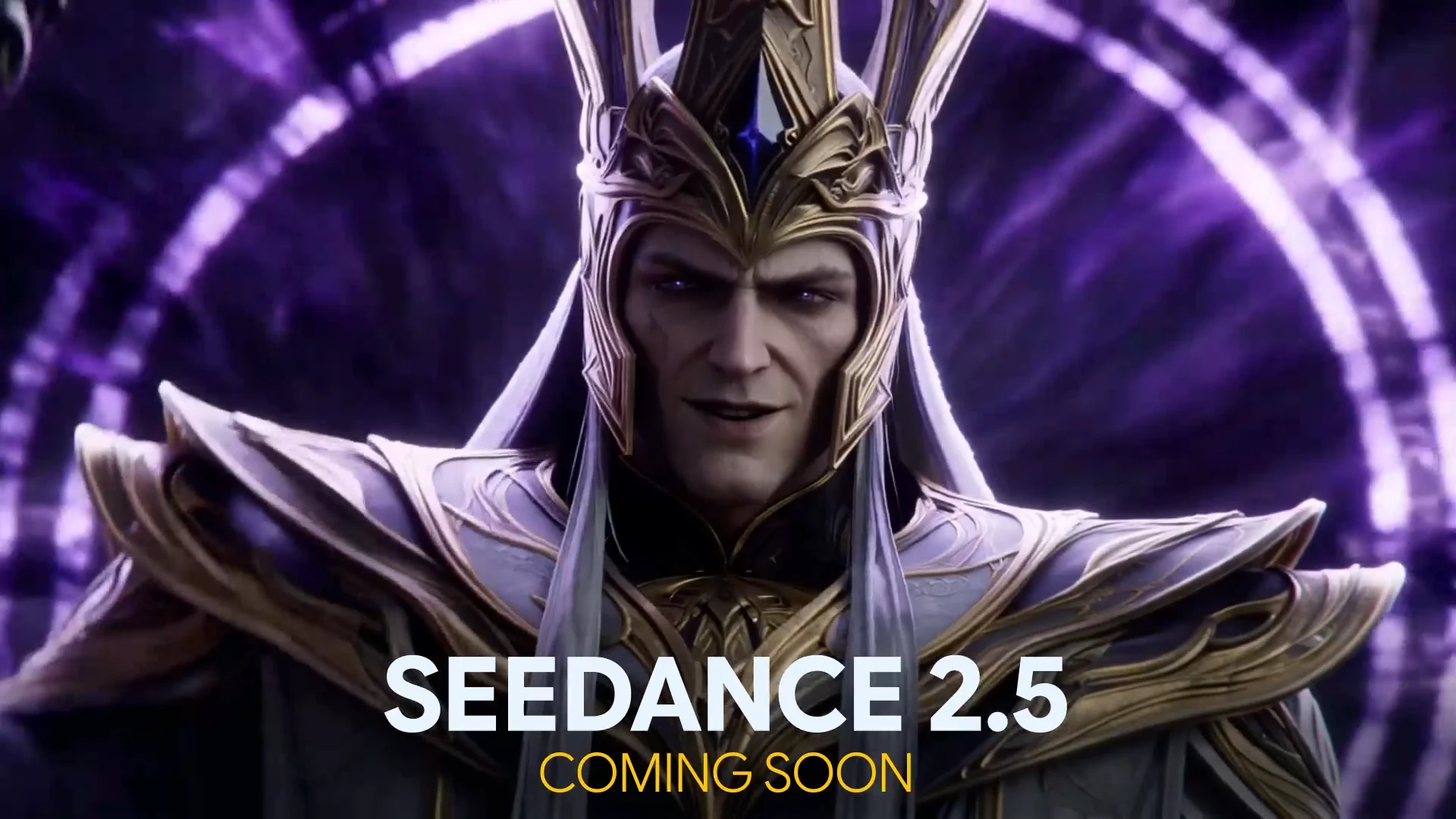
Seedance 2.5 Video Examples
Browse real-style examples across film, ads, fashion, music, and explainers. Each clip shows what creators build with longer 30-second generation on Topview.
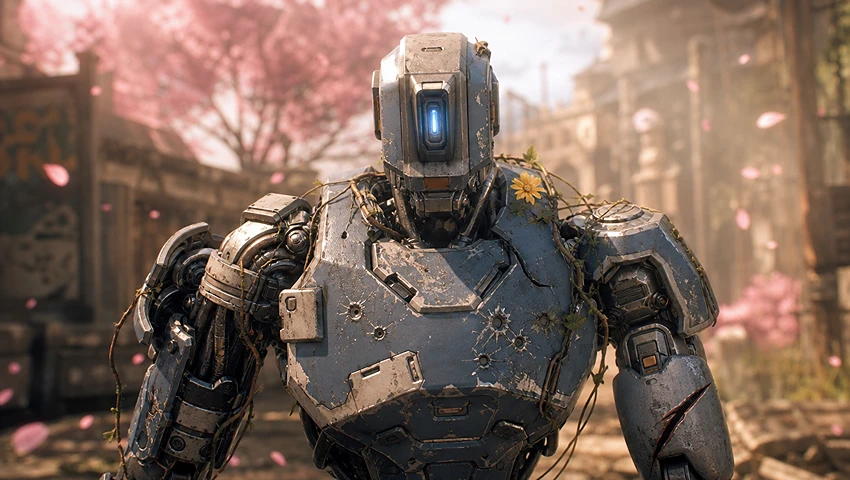
Create a sci-fi mini film.
Create a 30-second cinematic action video with Seedance 2.5 using longer scene continuity, dynamic camera movement, and multimodal reference control.
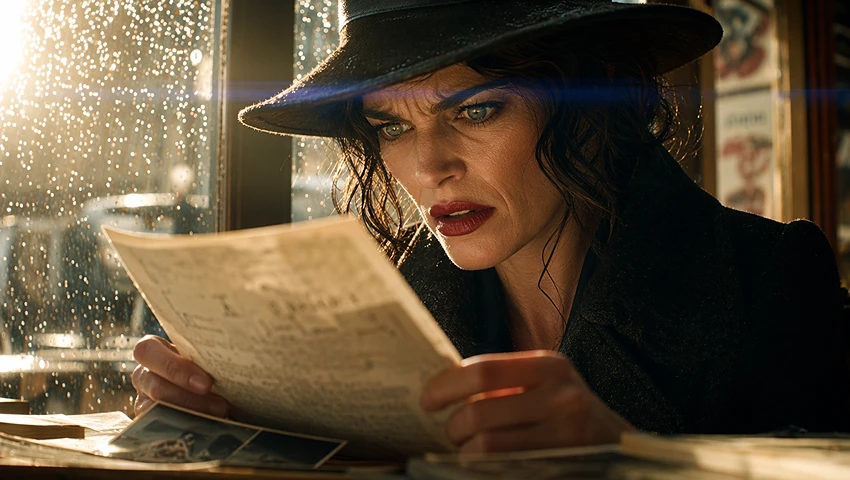
Write a revenge drama scene.
Create a 30-second cinematic action video with Seedance 2.5 using longer scene continuity, dynamic camera movement, and multimodal reference control.
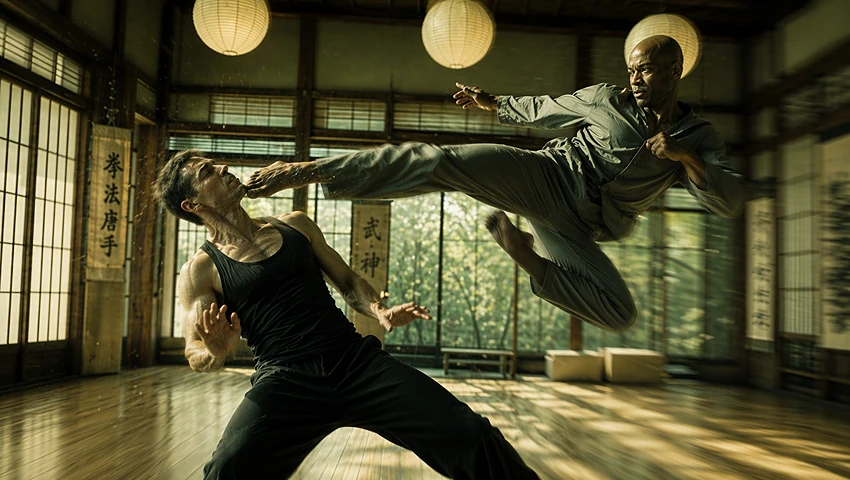
Make a cinematic fight sequence.
Create a 30-second cinematic action video with Seedance 2.5 using longer scene continuity, dynamic camera movement, and multimodal reference control.

Create an anime story scene.
Create a 30-second cinematic action video with Seedance 2.5 using longer scene continuity, dynamic camera movement, and multimodal reference control.

Make a bedtime story cartoon.
Create a 30-second cinematic action video with Seedance 2.5 using longer scene continuity, dynamic camera movement, and multimodal reference control.
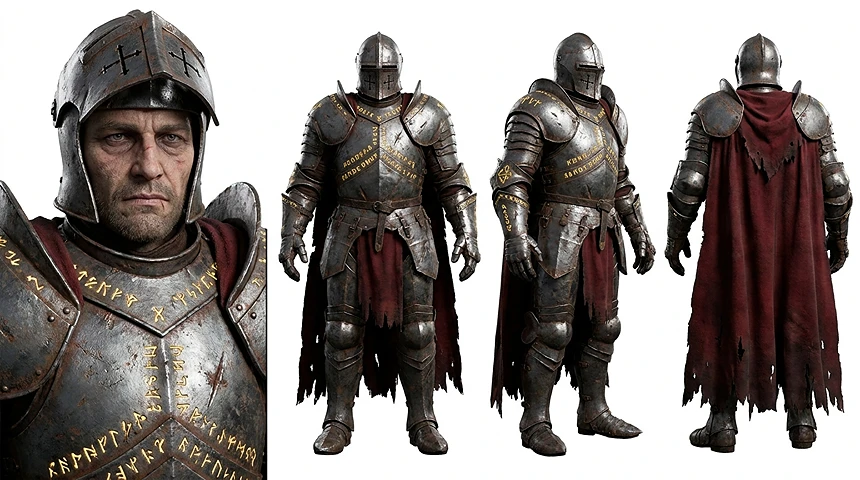
Create a game concept CG trailer.
Create a 30-second cinematic action video with Seedance 2.5 using longer scene continuity, dynamic camera movement, and multimodal reference control.
What Is Seedance 2.5?
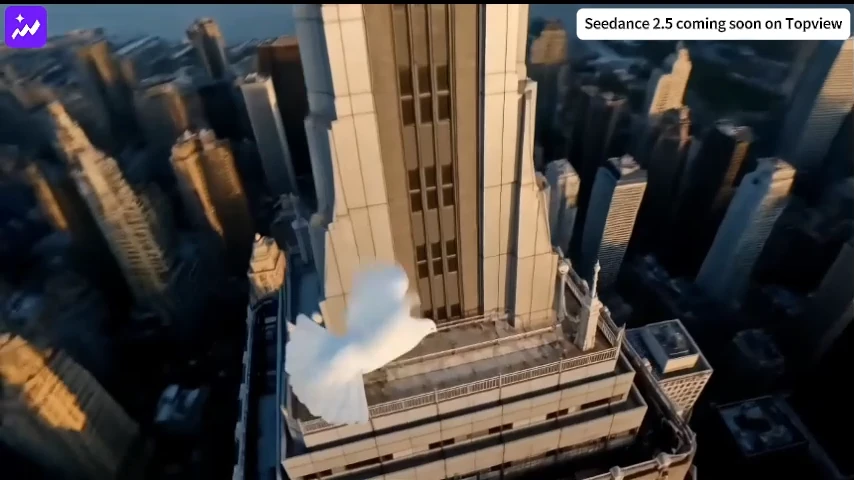
Seedance 2.5 is a multimodal AI video model built for longer, more controllable storytelling. It can generate 4–30 second clips from text, image, video, and audio references while following time-coded shot direction, storyboard structure, dialogue, sound, and edit instructions.
The capabilities that matter in real production
- Generate a coherent 4–30 second clip in one pass, reducing the need to stitch together many short fragments.
- Use up to 50 references: as many as 30 images, 10 videos, and 10 audio files within the supported limits.
- Direct scene changes with second-level timestamps and divide a 30-second idea into clear continuous intervals.
- Use contact sheets, storyboards, keyframes, white-model previs, or green-screen references to control shot order and staging.
- Revise a selected segment while keeping the rest of the video more stable.
- Continue strong clips with improved action, lighting, and context continuity.
- Create multilingual dialogue with improved lip synchronization and more reliable on-screen subtitles.
- Use negative instructions to suppress unwanted subtitles, music, dialogue, sounds, or visual elements.
Direct Seedance 2.5 Like a Production Timeline
Four practical model capabilities for longer stories, precise reference control, visual planning, and multilingual delivery. Each card includes a media slot for your own proof-of-output example.
4–30 Second Continuous Storytelling
Build a complete sequence in one generation instead of stitching together many short clips. Longer continuity gives ads, short dramas, explainers, and cinematic concepts room to establish, develop, and resolve.
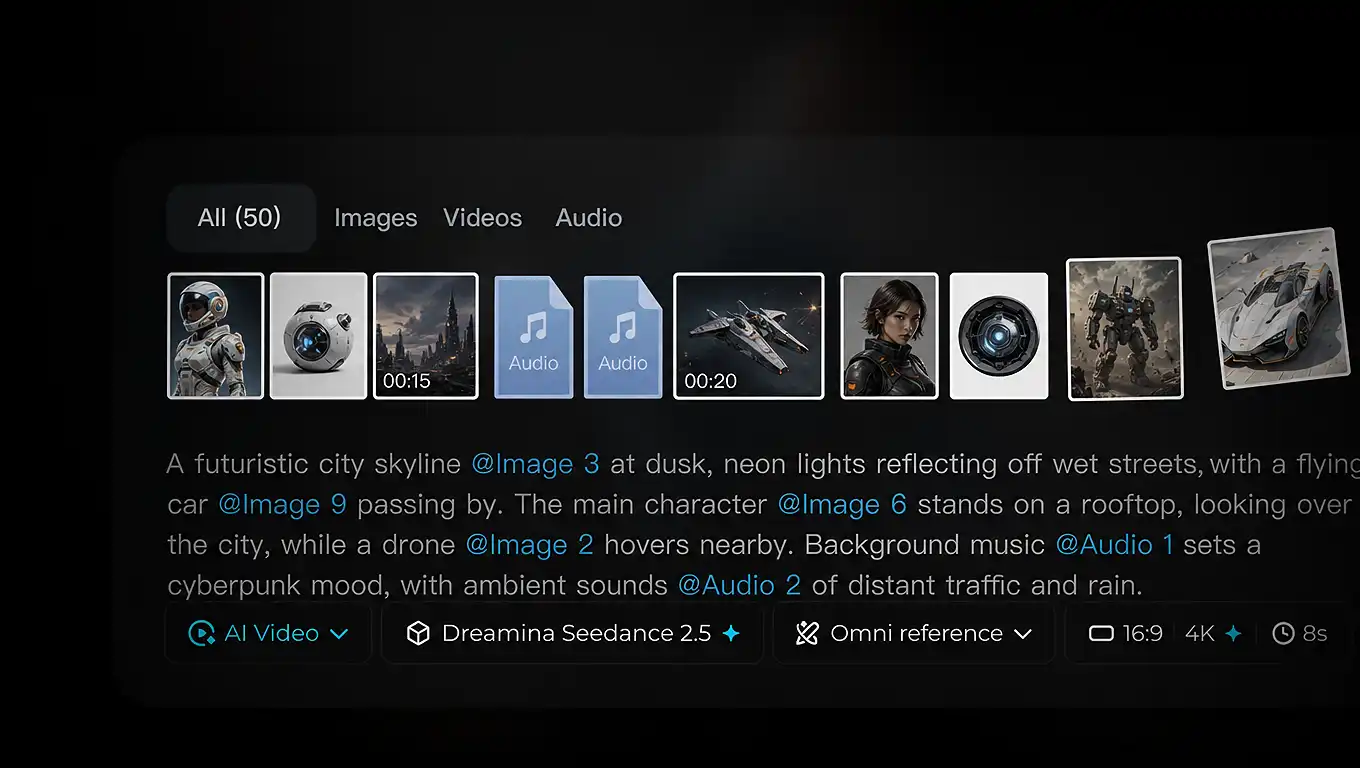
Up to 50 Multimodal References
Guide identity, products, locations, movement, rhythm, and sound with up to 30 images, 10 videos, and 10 audio files within the supported duration limits.
Storyboard and Keyframe Control
Use contact sheets, storyboards, keyframes, white-model previs, or green-screen references to define shot order, composition, staging, and transitions before generation.
Multilingual Dialogue and Reliable Subtitles
Create dialogue in multiple languages with improved lip synchronization and subtitle rendering. This reduces garbled text, timing drift, and cleanup for localized ads and talking-head content.
Take Seedance 2.5 from Generation to Production
These are Topview workflow capabilities built around Seedance 2.5—not model-exclusive features. Use them to plan shots, recreate proven formats, refine results through conversation, and continue strong clips.
3D Director Console and White-Model Previs
Block characters, cameras, movement, and scene rhythm in a lightweight 3D previs before generation, then use the white-model sequence as a visual reference for more intentional shots.
Conversational Canvas Editing
Refine the result through natural-language instructions on the Topview canvas. Request targeted changes to shots, subjects, pacing, copy, or creative direction without rebuilding the whole workflow.
Who Should Use Seedance 2.5 on Topview
Seedance 2.5 is built for teams creating product ads, cinematic storytelling, AI avatar videos, and longer 30-second creative workflows on Topview.
Cinematic Storytelling
Create cinematic short scenes, concept trailers, story tests, and multi-shot narratives up to 30 seconds with stronger visual direction, smoother continuity, and more stable character performance.
Fashion, Beauty, and Shopping Teams
Fashion and beauty content ranks near the top of actual usage. That makes Seedance 2.5 a strong match for creators and brands producing model showcases, beauty routines, shopping hooks, jewelry details, and polished product stories.
AI Avatar Videos
Generate avatar-led videos up to 30 seconds for education, product walkthroughs, tutorials, ads, and multilingual content with stronger dialogue flow and more natural performance.
Product Ads
Turn product images and campaign ideas into premium product videos up to 30 seconds long. Create complete ad sequences with product close-ups, lifestyle scenes, creator-style shots, and final CTA moments for TikTok, Instagram Reels, YouTube Shorts, Shopify, Amazon, and paid social campaigns.
Viral Social, Pet, and Trend Creators
Social creators still need broad-audience formats that feel immediate and easy to share. Trend hooks, pet videos, creator skits, POV concepts, and replayable social formats are all strong mass-market use cases for Seedance 2.5.
Upload-First and Zero-Prompt Teams
A meaningful share of paying users simply upload assets and let AI handle the rest. If your team prefers a low-effort workflow where you start from existing footage or images instead of writing long prompts, Seedance 2.5 is especially compelling.
How to Use Seedance 2.5 Online
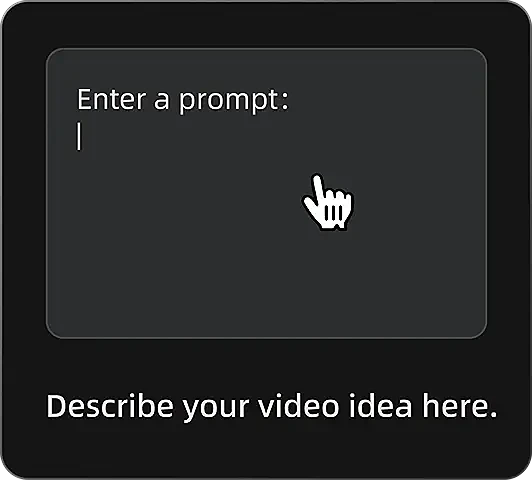
Enter a Prompt
Describe your video idea, including subject, scene, style, motion, camera movement, and duration.
Add References
Upload images, video clips, or audio references to guide the character, product, motion, rhythm, or visual style.
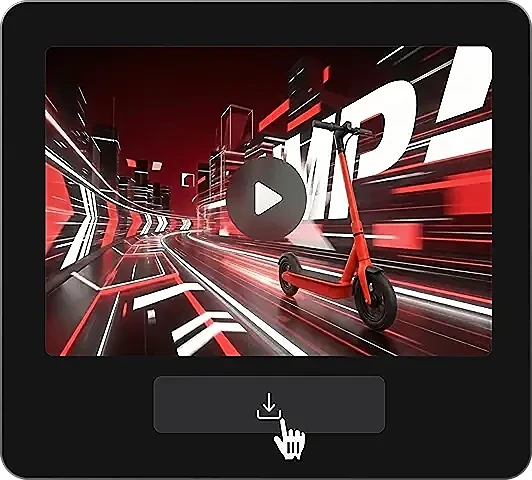
Generate and Export
Generate your Seedance 2.5 video online and export it for ads, social posts, product videos, or creative projects.
Seedance 2.5 Prompts and Examples
Product Ad Prompt
Create a 30-second cinematic product ad for a premium skincare serum. Start with a close-up of the glass bottle on a marble surface, then show water reflections, soft studio lighting, slow camera movement, and a final beauty shot with clean typography space. Elegant, high-end, realistic, 16:9.
Fashion Video Prompt
Create a 30-second fashion campaign video featuring a model walking through a modern city street at golden hour. Keep the outfit consistent, use smooth tracking shots, soft lens flares, and a premium editorial style. Realistic motion, cinematic lighting, 16:9.
AI Avatar Video Prompt
Create a 30-second avatar-led explainer video. A professional presenter stands in a clean studio and explains a new productivity app. Use natural facial expressions, realistic hand gestures, stable eye contact, soft lighting, and smooth camera movement.
Seedance 2.5 Model Parameters
Review the key Seedance 2.5 specs before generating AI videos on Topview.
Seedance 2.5
Latest Seedance video generation model on Topview
Topview production tools
3D previs, Douyin-link recreation, conversational canvas, and extension
Storyboard, keyframe, white model, green screen
Use visual planning assets to guide staging and shot order
4–30 seconds
Generate longer coherent sequences in one pass
Up to 30 images
Supports images up to 4K within the documented file limits
Up to 10 clips
Combined reference-video duration up to 30 seconds
Up to 10 files
Combined reference-audio duration up to 30 seconds
Up to 50 assets
Combine image, video, and audio guidance
Second-level timestamps
Control actions, shots, dialogue, sound, and transitions by interval
Local segment editing
Revise selected sections while keeping the rest more stable
Multilingual dialogue and subtitles
Improved lip sync and more reliable on-screen text
Video extension
Continue strong clips with better contextual consistency
Create longer, sharper AI videos with Seedance 2.5
Generate videos up to 30 seconds from prompts, images, video, and audio references directly on Topview.